
· Right On Tech · Technical Guides
Managed IT vs Break-Fix: How to Compare the Real Costs for a 10–50 Person Business

Most small businesses start with break-fix IT: something breaks, you call someone, they fix it, you pay the invoice. It feels cheap because you only pay when there is a problem. Somewhere between 10 and 50 employees, many owners start to wonder whether a monthly managed IT plan would actually cost less, or just cost differently.
The honest answer is that it depends on your business. But you can work it out with your own numbers instead of a sales pitch. This guide shows you how.
The two models in plain English
Break-fix
You pay for IT work when you need it, usually by the hour or per project. Nobody is responsible for your systems between calls. Updates, backups and security settings happen if someone remembers, or if you ask and pay for them.
Managed IT
You pay a predictable monthly fee, usually per user or per device, for an agreed scope of work. The provider is responsible for keeping things running: monitoring, patching, backups, security tools, help desk and planning. Work outside the scope (a new office build-out, a big migration) is normally quoted separately.
| Break-fix | Managed IT | |
| How you pay | Per hour or per job, when something breaks | Fixed monthly fee for an agreed scope |
| Who watches your systems | Nobody, unless you ask | The provider, continuously |
| Provider's incentive | Paid more when things break | Paid the same, so fewer problems = less work for them |
| Budgeting | Unpredictable spikes | Predictable, with occasional projects |
| Best fit | Very small, simple setups with few systems | Teams that rely on email, files and line-of-business apps every day |
Why the invoice is not the real cost
Comparing a monthly managed IT quote against last year's break-fix invoices is the most common mistake. The invoices only show what you paid the technician. They leave out several costs that are often bigger.
1. Downtime for your people
When the server, the internet line or Microsoft 365 sign-ins stop working, everyone affected stops being productive. A simple way to estimate it: hours down × people affected × average loaded hourly cost (wages plus taxes and benefits). Add any lost sales or late fees if customers could not reach you.
2. Your own time spent on IT
In many small offices, the owner or office manager is the unofficial IT person. Every hour they spend resetting passwords, chasing a printer or calling a vendor is an hour not spent on the business. Count those hours honestly.
3. Things that never got done
Break-fix rarely includes the boring preventive work: applying updates, testing backups, removing old accounts, renewing certificates, replacing aging hardware on a plan. Skipping it does not show up on any invoice until something fails, and then it shows up all at once.
4. Security incidents
Phishing, stolen passwords and ransomware are the risks that hurt small businesses most. Recovery can mean emergency labor, lost data, notifying customers and time away from work. The FBI's Internet Crime Complaint Center publishes yearly reports showing how widespread business email compromise and ransomware are; you can read the latest at ic3.gov. You cannot predict an incident, but you can count what you are currently doing (or not doing) to prevent one.
5. Surprise hardware and software deadlines
Products reach end of support on a schedule. For example, Microsoft ended support for Windows 10 on October 14, 2025. Businesses with a hardware plan spread those replacements out; businesses without one often find out when a security tool refuses to run, and replace everything in a rush.
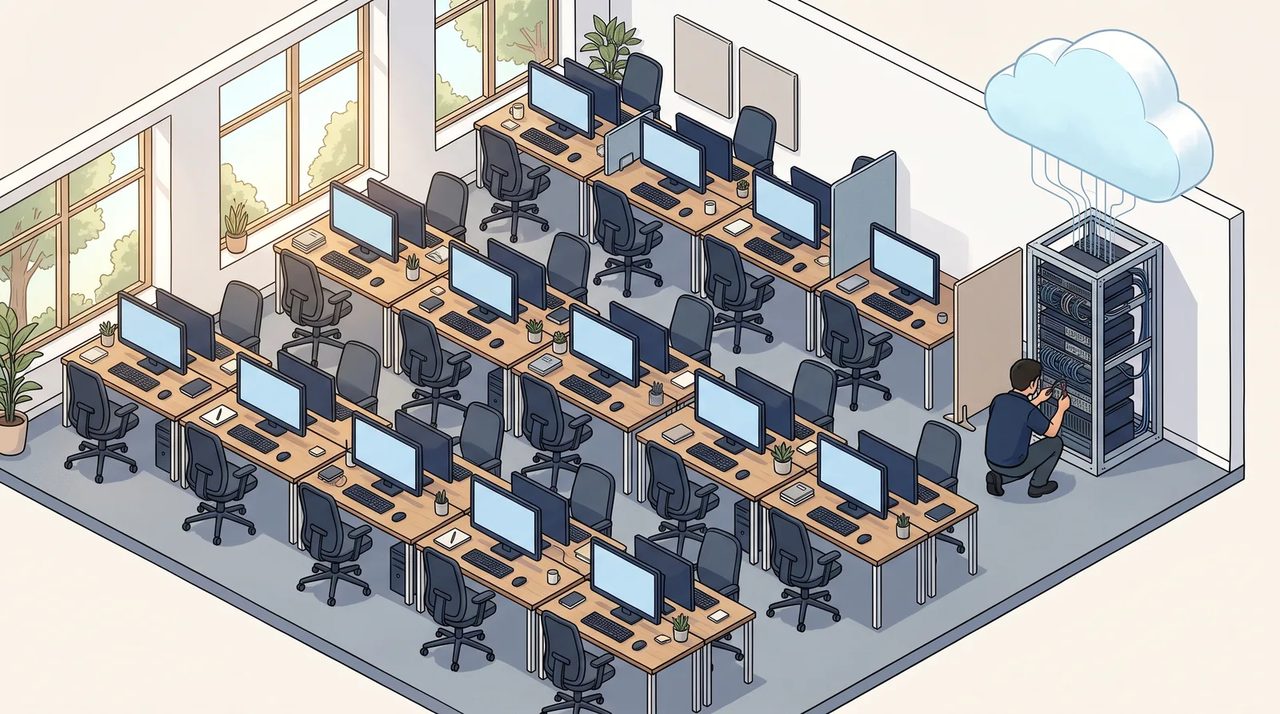
A simple worksheet to compare both models
Pull the last 12 months of IT invoices and fill in this table with your own numbers. Rough estimates are fine; the point is to put both options on the same footing.
| Cost line | Break-fix (last 12 months) | Managed IT (quote) |
| Technician / provider fees | Total of all IT invoices | Monthly fee × 12 |
| Projects outside the scope | Upgrades, moves, new hires set up | Quoted projects the plan does not cover |
| Software and security tools | Antivirus, backup, licenses you buy yourself | What is included vs. billed on top |
| Staff downtime | Hours down × people × hourly cost | Estimate with the provider's response times |
| Internal time on IT | Owner / manager hours × hourly value | Usually much lower, but not zero |
| Hardware replacements | Emergency purchases | Planned purchases spread over the year |
| Total |
If the totals come out close, the deciding factors are usually risk and predictability: which option makes a bad week less likely, and which one lets you budget with confidence.
When break-fix still makes sense
- You have only a handful of people, cloud-only tools and no server or special software.
- Your work does not stop if a computer is down for a day.
- Someone on staff is genuinely comfortable handling updates, backups and accounts, and actually does it.
- You keep a written list of what you have and who to call.
Even then, it is worth paying for a few preventive basics (backups you have tested, multi-factor sign-in, a firewall that gets updates) rather than waiting for an emergency.
When managed IT usually wins
- You have 10 or more people who depend on email, shared files and business apps all day.
- You handle customer, health or financial data and need to show you protect it.
- Your IT invoices are unpredictable, or you cannot remember the last time backups were tested.
- The owner or office manager is losing hours every week to IT.
- You are planning growth, a move or a new system and want one partner who knows your setup.
What a managed IT quote should spell out
Monthly plans are not all the same. Before you compare prices, make sure each quote answers these questions in writing:
- What is included? Help desk hours, on-site visits, monitoring, patching for Windows, macOS and third-party apps, backup, security tools, Microsoft 365 administration.
- What is billed extra? Projects, after-hours work, new device setup, hardware and licenses.
- Response times. How fast do they answer, and how fast do they start working on an urgent issue?
- Backups. What is backed up (including Microsoft 365 mailboxes and OneDrive), how long it is kept, and how often restores are tested.
- Security basics. Multi-factor authentication, endpoint protection, email filtering, and who responds if something gets through.
- Reporting. What you see each month or quarter: patch status, backup results, open issues, hardware nearing replacement.
- Your exit. If you leave, do you get all passwords, documentation and admin access back, and how quickly?
For a free, vendor-neutral checklist of what good basic security looks like, CISA's Cyber Essentials guide is a solid reference to hold any provider against.
Questions to ask yourself before deciding
- What did IT problems really cost us last year, including downtime and our own time?
- If our main system went down tomorrow, who would notice first, and how long would it take to fix?
- When were our backups last restored as a test?
- Do we know which computers and devices are due for replacement in the next two years?
- Who has admin access to our Microsoft 365, domain and firewall today?
If several of those answers are "I'm not sure," that uncertainty is itself a cost, and it is the main thing a good managed IT plan should remove.
Getting a second opinion
Right On Tech supports small and mid-size businesses across Los Angeles and the San Fernando Valley, and we are happy to walk through this worksheet with you, even if you decide break-fix still fits. You can see what our managed IT service covers, or get in touch and we will look at your current setup and costs with you.