
· Right On Tech · Security Guides & Updates
How to Choose a Business Firewall for a Small Office
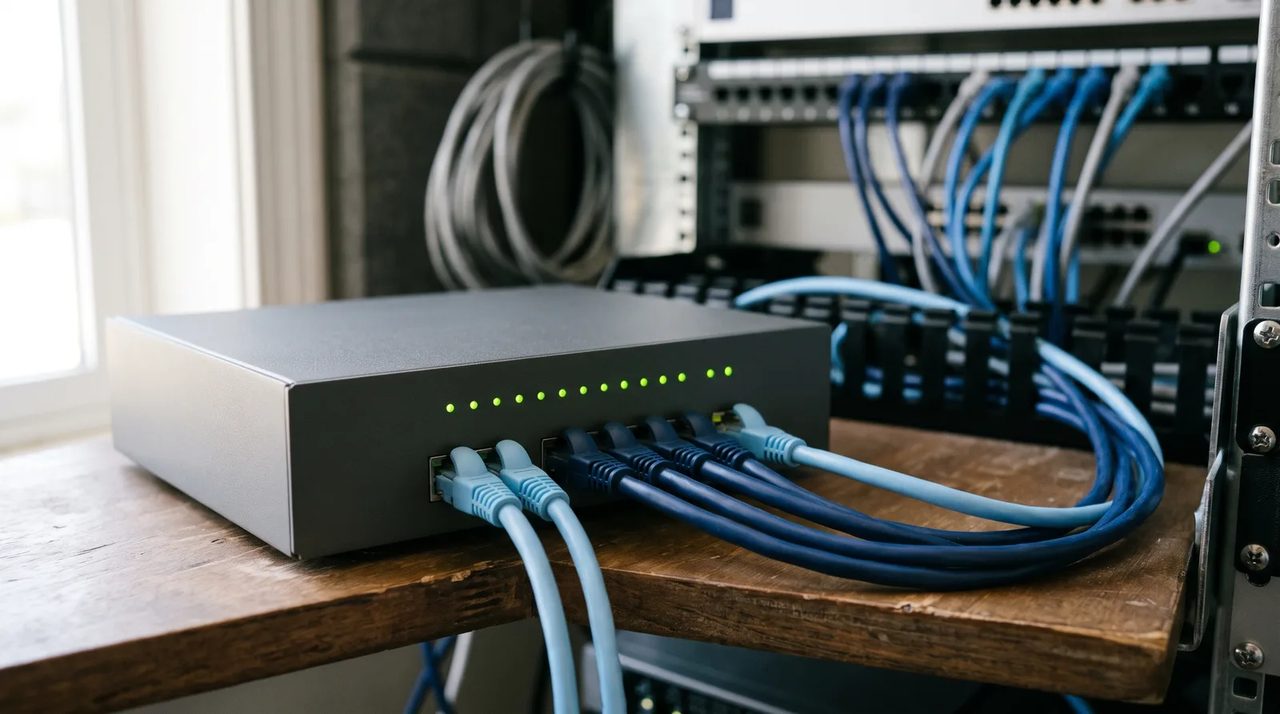
The box your internet provider gave you is a router, not a business firewall. It moves traffic between your office and the internet, and it may block unsolicited connections, but it usually does little to inspect what is going in and out, gives you limited logging, and may stop receiving updates long before it stops working.
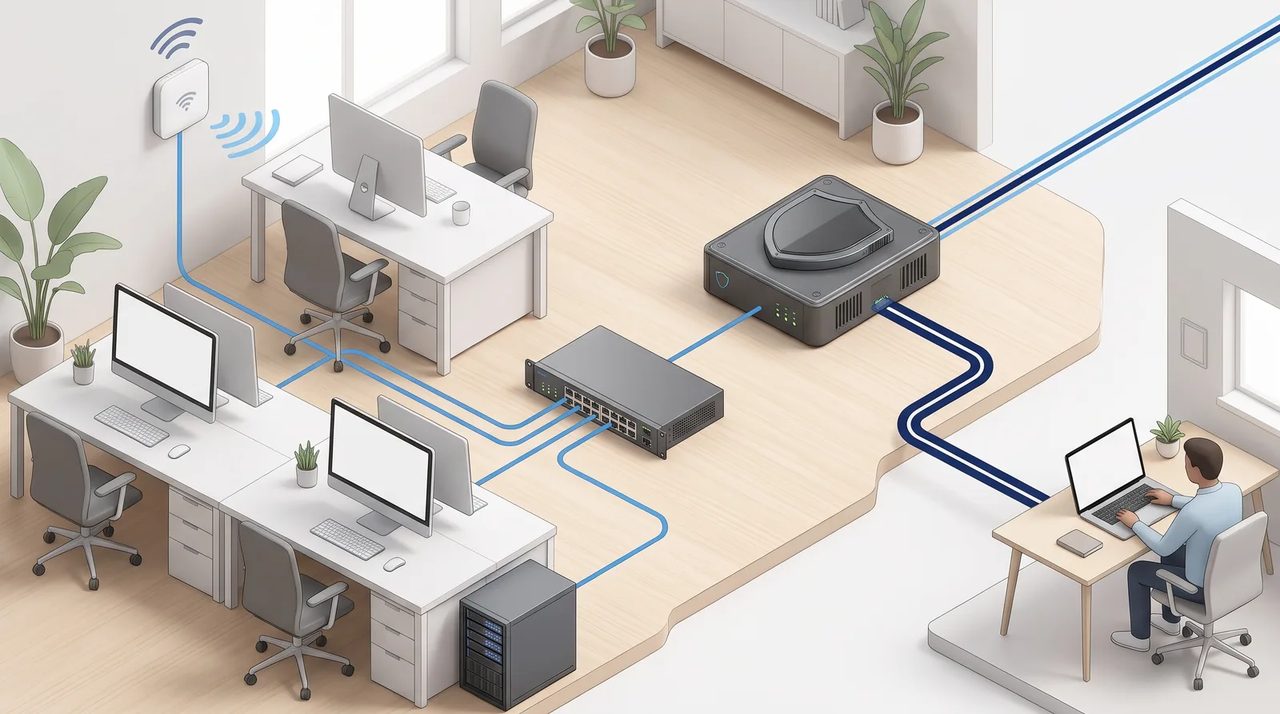
A proper business firewall is the front door of your network. Choosing one is less about brand and more about matching a few specific capabilities to how your office actually works. This guide walks through what to compare.
What a modern business firewall does
Most small-office firewalls today are sold as UTM (unified threat management) or NGFW (next-generation firewall) appliances. The labels overlap; what matters is which of these features you get and whether they are switched on:
- Stateful firewall and NAT – the basics: only allow traffic you expect.
- Intrusion prevention (IPS) – spots and blocks known attack patterns against your devices.
- Malware and antivirus scanning of downloads and traffic.
- Web and DNS filtering – blocks known malicious and phishing sites, and optionally categories you choose.
- Application control – recognizes apps (file sharing, remote access tools) rather than just ports.
- TLS/SSL inspection – lets the firewall look inside encrypted traffic, which is most web traffic today.
- VPN – secure connections for remote staff and between offices.
- Logging and alerts – a record of what happened, and a way to be told when something looks wrong.
Throughput: read the right line on the spec sheet
Every vendor datasheet lists several throughput numbers. The biggest one, usually called firewall throughput, is measured with all the security features turned off, often using large test packets. It tells you very little about real use.
The numbers to compare are the ones measured with protection on. Vendors name them differently: threat protection, UTM, NGFW or IPS throughput, and separately SSL/TLS inspection throughput. These are commonly a fraction of the headline figure, so a box advertised in gigabits can slow a fast internet line once you enable the features you bought it for.
A practical sizing rule
- Write down your current internet speed and what you expect in the next three to five years.
- Pick a model whose threat protection (all features on) number comfortably exceeds that speed.
- If you plan to use TLS inspection, check that number too, and the number of concurrent inspected sessions.
- Count users and devices, including phones, printers, cameras and guests, not just staff computers.
- Check VPN throughput and the supported number of remote users if people work from home.
If two models are close, buy the larger one. Firewalls are typically kept for years, and internet speeds and encrypted traffic only go up.
Licensing: the cost that keeps coming back
On most business firewalls the hardware is only part of the price. The security features (IPS, malware scanning, web filtering, sandboxing) run on subscriptions, often bundled in tiers, and they stop updating or stop working when the subscription lapses. Before you buy:
- Ask what happens when each license expires: does the box keep forwarding traffic, and which protections stop?
- Compare the multi-year renewal cost, not just the first-year bundle.
- Check whether support (firmware updates and hardware replacement) is a separate contract.
- Find the vendor's published end-of-sale and end-of-support dates for the model you are considering.
That last point matters more than it used to. Internet-facing devices such as firewalls and VPN gateways are a favorite target, and they appear regularly in CISA's Known Exploited Vulnerabilities catalog. In February 2026 CISA issued BOD 26-02, ordering federal civilian agencies to replace end-of-support edge devices. The directive applies to federal agencies, not private businesses, but the reasoning applies to everyone: an unpatched firewall is a liability.
VPN: how remote staff will connect
If anyone works from home or travels, the firewall's VPN is part of the decision.
- Remote access VPN connects individual laptops to the office. Look at the client software, which operating systems it supports, and whether it works with your sign-in system for multi-factor authentication.
- Site-to-site VPN joins two offices, or the office to cloud servers. Make sure both ends can be managed easily, ideally from the same console.
- IPsec vs. SSL VPN: vendors are moving away from older SSL VPN designs. Fortinet, for example, removed SSL VPN tunnel mode starting with FortiOS 7.6.3 and points customers to IPsec. Ask any vendor what their current recommended remote access method is.
- Multi-factor authentication on the VPN is not optional. A VPN protected only by a password is one of the most common ways attackers get in.
Some businesses no longer need a traditional VPN at all, because their files and apps are in Microsoft 365 or other cloud services. In that case, a firewall with a smaller VPN capacity may be fine; just confirm it before you size the box.
Management: who will actually run it?
A firewall is not a set-and-forget appliance. Firmware needs updating, rules need reviewing, and alerts need someone to read them. Compare:
- Cloud management – a web dashboard for configuration, updates and alerts, handy for multiple sites or an outside IT provider.
- Firmware updates – how easy they are to schedule, and how quickly the vendor publishes security fixes.
- Logging and reporting – how long logs are kept on the device or in the cloud, and whether reports are readable by a non-specialist.
- Configuration backup – so a failed unit can be replaced and restored quickly.
- Admin security – the management page should never be open to the whole internet, and admin accounts should use multi-factor sign-in.
Small office firewall checklist
| Question | Why it matters |
| Is the threat protection throughput above our internet speed? | Avoids slowing the office once security is enabled |
| What does TLS inspection do to performance? | Most traffic is encrypted; inspection is the expensive part |
| What are the yearly license and support costs? | Protections stop updating when they lapse |
| When is this model's end of support? | You want years of security updates left |
| Which VPN types are supported, with MFA? | Remote access is a top target for attackers |
| Can it be managed from the cloud or by our IT provider? | Updates and alerts need an owner |
| Can we separate networks (staff, guests, cameras, servers)? | Limits how far a problem can spread |
| Is there a high-availability or spare option? | One failed box can stop the whole office |
A few setup basics, whatever you buy
- Change default admin credentials and turn on multi-factor sign-in for administrators.
- Keep the management interface off the internet; manage it from inside or through the vendor's cloud portal.
- Turn on automatic signature updates and schedule firmware updates.
- Use separate network segments (VLANs) for guests, cameras and other devices that do not need access to your files.
- Block outbound traffic you do not need, not just inbound.
- Review rules and admin accounts at least once a year, and remove anything nobody can explain.
For the underlying principles, NIST's Guidelines on Firewalls and Firewall Policy (SP 800-41) is older but still a clear explanation of how firewall policies should be designed.
Need help choosing or setting one up?
Right On Tech helps small offices in Los Angeles and the San Fernando Valley pick, install and look after firewalls as part of our managed IT service, including licensing renewals and updates. If you are replacing an aging box or not sure what you have today, contact us and we will take a look.