
· Right On Tech · Search Engine Hacks
Local SEO for Service Businesses: Google Business Profile, Reviews and Location Pages
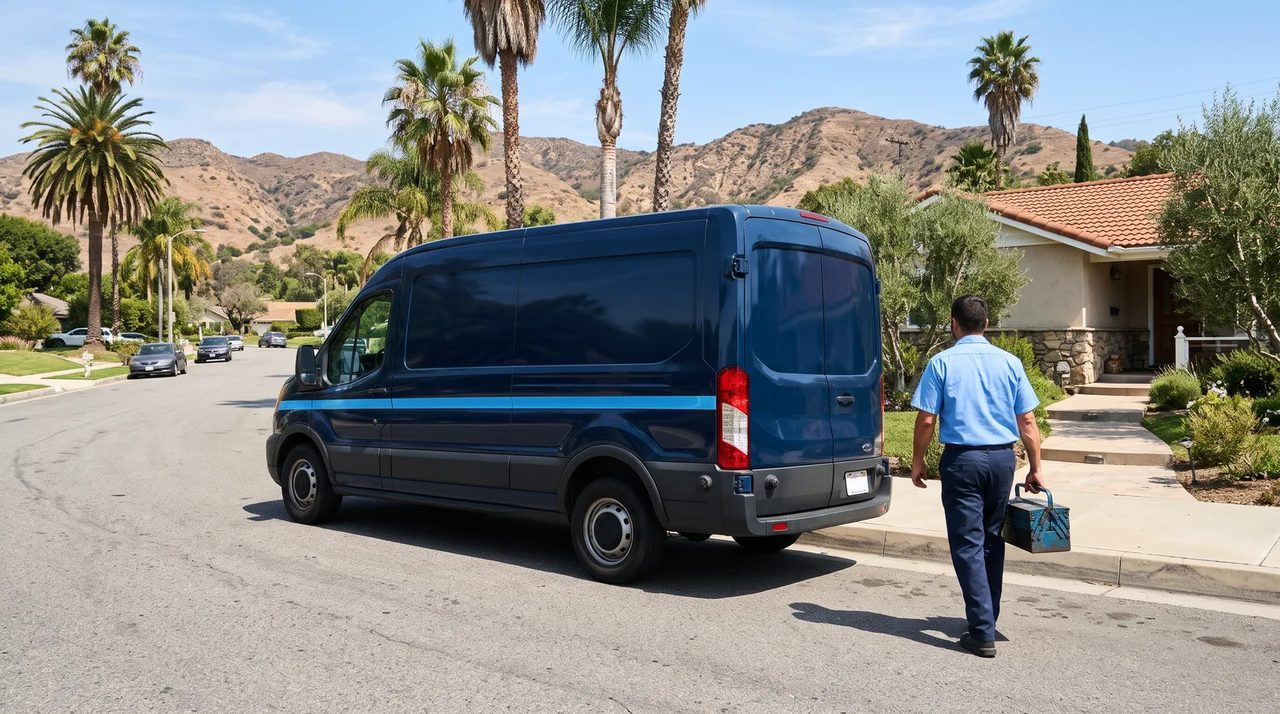
For plumbers, electricians, HVAC companies, IT providers, cleaners, accountants and other service businesses, most new customers start with a phone search like “near me” or “in Van Nuys.” What shows up first, the map results with stars, a phone button and directions, comes mostly from your Google Business Profile, your reviews and your website.
Local SEO isn't magic and you can't buy your way into the map results. Google says so directly: “There's no way to request or pay for a better local ranking on Google” (Google Business Profile Help). What you can do is get the basics right and keep them right. Here's how.
How Google decides who shows up
Google says local results are based mainly on three things (Google):
- Relevance: how well your profile matches what the person searched for.
- Distance: how far you are from the searcher or the location in their search.
- Prominence (Google also calls it popularity): how well known your business is, based on things like reviews, links and mentions across the web.
You can't change distance much. Everything else in this guide is about relevance and prominence.
Get your Google Business Profile right
Start by claiming and verifying your profile at business.google.com. Then follow Google's guidelines for representing your business closely; profiles that break them can be suspended, which is far more damaging than any ranking tweak.
Name
Use your real-world business name exactly as it appears on your signage, website and invoices. Google doesn't allow extra keywords, locations, taglines or phone numbers in the name. “Valley Plumbing” is fine; “Valley Plumbing – Best 24/7 Emergency Plumber Sherman Oaks” is not.
Address and service area
- If customers come to you (an office or shop with staff during business hours), show your address.
- If you go to customers and don't serve them at your location, you're a service-area business: Google says to hide your address and set a service area instead.
- If you do both, you can show the address and also set a service area.
- Google says service areas generally shouldn't extend farther than about two hours of driving time from your base.
- P.O. boxes, mailbox services and virtual offices aren't eligible. Coworking spaces only qualify with signage, staff of your own, and customers received there during business hours.
Categories, services and details
- Pick the most specific primary category that describes what your business is, and add only a few accurate secondary categories. Google says not to use categories as keywords.
- List your services with short, plain descriptions.
- Use a local phone number you control and link to the most relevant page of your website.
- Keep hours accurate, including holiday hours. Wrong hours cost you calls and trust.
- Add real photos: your team at work (no need for close-ups), your vehicles, before-and-after shots, your office. Google lists photos and videos among its tips for improving local presence.
- Post updates or offers occasionally, and answer common questions in your services and description.
Reviews: get more, the right way
Reviews affect both whether you show up and whether people pick you. The good news is that the most effective method is also the simplest: ask every customer, every time, right after a job goes well.
Do
- Send a direct review link (you can get it from your Business Profile) by text or email after the job.
- Make it a habit for the whole team, not a campaign once a year.
- Reply to reviews, good and bad, briefly and professionally. Thank people; for complaints, acknowledge, don't argue, and offer to take it offline.
- Never include private details about a customer in a reply.
Don't
Google's rules for reviews (Maps user contributed content policy) and the Federal Trade Commission's rule on consumer reviews, in effect since October 21, 2024 (FTC Q&A), both prohibit common shortcuts:
- No incentives for reviews. Google doesn't allow offering discounts, gifts or payment in exchange for reviews at all. The FTC rule bans incentives tied to a particular sentiment, such as positive reviews.
- No review gating. Google prohibits selectively asking only happy customers to review you, or discouraging negative reviews.
- No fake or staff reviews. Reviews by employees, family or anyone with a conflict of interest break Google's policy; fake reviews, including AI-written ones, break the FTC rule.
- No intimidation. The FTC rule bars unfounded legal threats or intimidation to get negative reviews removed.
- No buying reviews from services that promise a batch of five-star ratings.
The FTC can seek civil penalties for knowing violations of its rule, and in December 2025 it sent warning letters to ten companies about possible violations. Google can remove reviews and restrict profiles. It isn't worth it.
Location and service pages that actually help
Your website backs up your profile. Google needs clear evidence of what you do and where, and visitors need it before they call. The trap to avoid is mass-produced city pages. Google's spam policies call out doorway pages, including multiple pages aimed at particular regions or cities that funnel users to one place (Google Search Central). Twenty pages that only swap the city name are a liability, not an asset.
What a good location page includes
- Who you serve in that area and the specific services available there.
- Real local detail: neighborhoods or zip codes covered, typical response times, local permit or code notes where relevant.
- Photos of work you've done in the area (with the client's permission).
- Reviews or testimonials from customers in that area, quoted accurately.
- Your name, phone and a clear call to action, matching your Business Profile.
If you don't have enough genuine detail to make a page useful, list your service areas on one well-written page instead. For businesses with real offices in several places, give each office its own page with its address, hours and staff.
Technical basics
- Keep your business name, address and phone number consistent across your website, Business Profile, Yelp, Apple Business Connect, Bing Places, and industry directories.
- Add LocalBusiness structured data to your homepage or location pages so search engines can read your details reliably.
- Make sure the site is fast on mobile, the phone number is tappable, and contact forms work.
- Add a tracking tag (UTM parameters) to the website link in your Business Profile so you can see those visits in analytics.
Local SEO checklist
| Area | Check | How often |
| Business Profile | Verified; real name; correct category; hidden address if service-area | Once, then quarterly review |
| Hours and details | Regular and holiday hours, phone, services, website link correct | Monthly and before holidays |
| Photos and posts | Fresh real photos; occasional updates | Monthly |
| Reviews | Every customer asked; every review answered; no incentives or gating | Weekly |
| Website | Clear service and location pages; consistent name, address and phone; structured data | Quarterly |
| Citations | Same details on major directories and industry sites | Twice a year |
| Results | Profile performance (calls, direction requests, website clicks) and leads | Monthly |
Want help getting found locally?
Right On Tech helps small and mid-size businesses in Los Angeles and the San Fernando Valley with websites and marketing, including Google Business Profile setup and location pages that follow Google's rules. Get in touch or call (818) 456 0303.